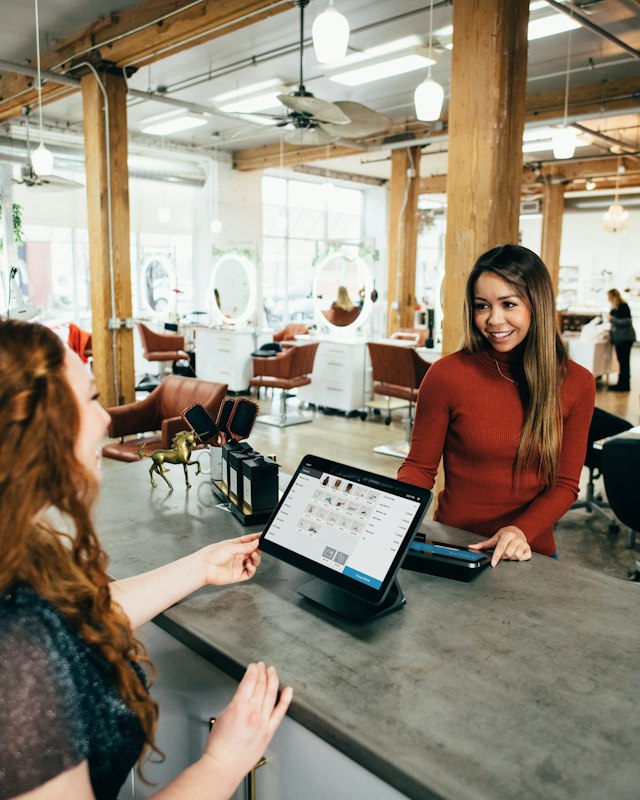
Fast product search
Type a few letters or scan a barcode and the item lands in the cart. Press F2 to jump to search from anywhere.
Scan, take cash and UPI on the same bill, and hand over a printed receipt in seconds. Every counter sale is a GST invoice, and the stock comes off the shelf you sold from.
Made for kirana stores, supermarkets, pharmacies, garment and electronics shops that bill dozens of customers an hour.
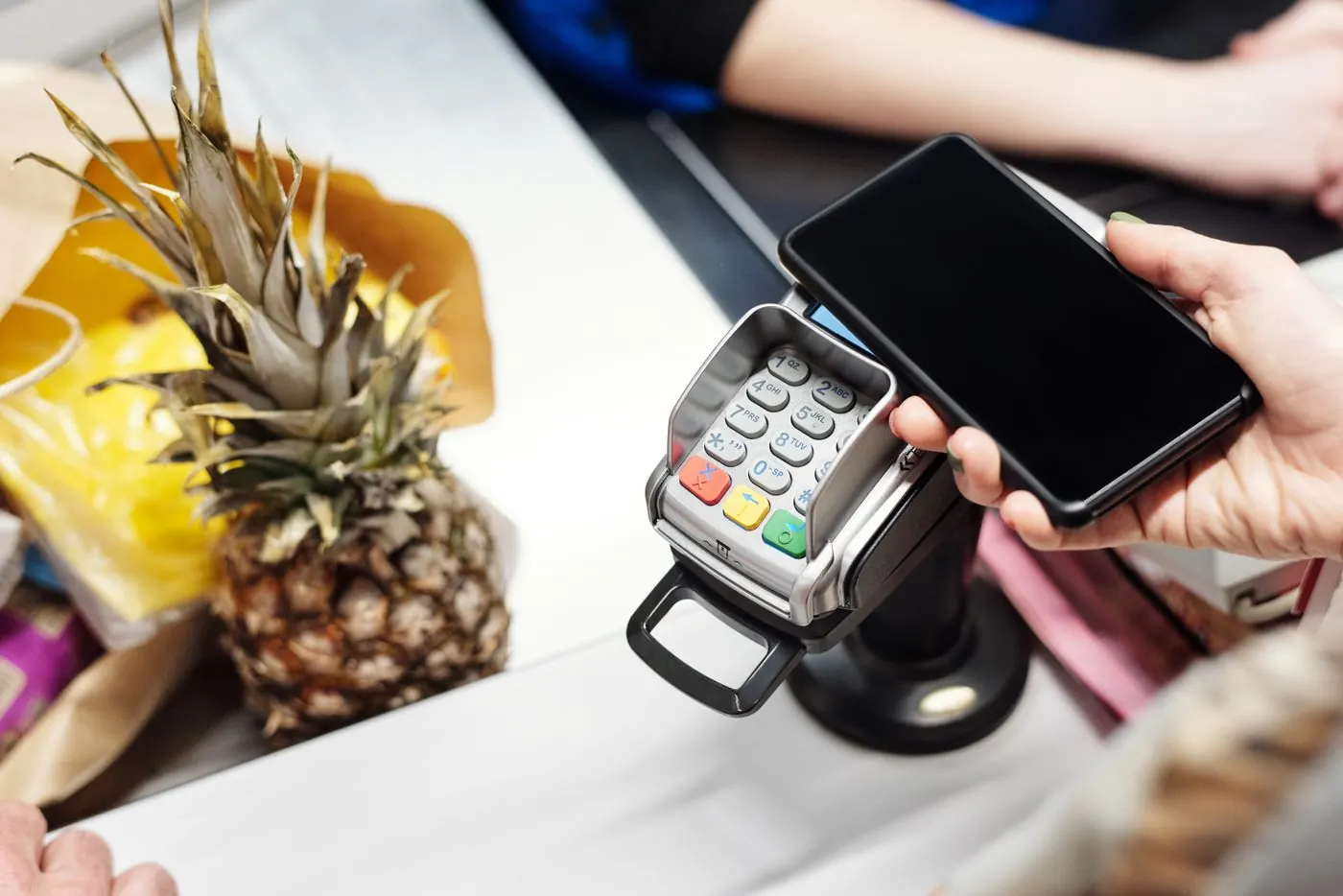
Bill #2148
Total₹0
Charge
Counter 2 · shift
₹48,250
Cash in drawer · open 9:30
FRESH MART
GSTIN 10ABCFM1234K1Z9
TAX INVOICE #2148
2 Milk 500 ml60.00
1 Bread45.00
1 Eggs × 648.00
1 Tea 250 g140.00
TOTAL 293.00
CASH 500.00
CHANGE 207.00
Thank you, visit again
Bill the queue, print the receipt and close the shift with the cash counted against what the system expects.
Counter 1 · New sale
Walk-in customer · Shift opened 9:30 am
SHREE GANESH TRADERS
GSTIN 27AAKFS1234M1Z9
TAX INVOICE · C1-0413
Thank you · visit again
Shift closed · Counter 1
Z-report · 9:30 am – 8:00 pm
212 bills · ₹48,260 today
Illustration · sample names and numbers
The POS screen is built for speed: a big product grid, a cart on the right and one button to charge. Everything a cashier needs, nothing they have to learn twice.
Type a few letters or scan a barcode and the item lands in the cart. Press F2 to jump to search from anywhere.
Take one bill in two or three ways. Change due on cash is worked out for you.
An 80mm receipt with your GSTIN, items, tax and total, printed as soon as the sale is charged.
Park a half-done cart when a customer goes to fetch one more thing, and bill the next person in the queue.
Give a flat or percentage discount, or apply your buy-two-get-one and quantity slab schemes in one tap.
The counter warns when an item is priced below cost and won't sell stock you don't have.
Bill walk-ins without any details, or search a saved customer by name or phone to give credit and points.
Tag each sale with the salesperson and area, and see who sold what in the reports.
Any scanner that types into a text box works. No drivers or setup inside the app.
No scanner yet? Scan barcodes with the rear camera of a phone or tablet, right in the browser.
Print receipts through QZ Tray, a free print helper for the counter PC. Browser printing works as a fallback.
A drawer connected to the receipt printer opens by itself on cash sales.
Runs in Chrome, Edge or Safari. Install it from the browser menu to open it like an app.
Print barcode labels and price tags for items that arrive without one.
Each cashier opens a shift with the opening float in the drawer. Through the day, cash, card and UPI sales are added up separately.
At closing time the cashier counts the cash and enters it. The Z-report shows what should be in the drawer, what was counted and the difference, so a short or excess is caught the same evening, not at month end.
Z-report · Counter 1
Shift by Ritu · 9:30 am to 9:10 pm
Illustration · sample numbers
Returns and exchanges
Look up the original bill by its number, pick the items coming back and choose a refund or an exchange. The items go back into stock and a credit note is raised, so the GST return is right too.
Loyalty points
Customers earn points on every bill, at a rate you set. By default it is 1 point for every ₹100 spent. Points can be turned into store credit and used on a later bill.
Import your item list from Tally or a spreadsheet, or scan barcodes into products one by one. Print labels for the rest.
Install QZ Tray on the counter PC, choose the thermal printer in POS settings and turn on the cash drawer if you have one.
Give each cashier a login with a role that lets them bill and close their shift, and limit them to their branch.
Enter the opening float, scan the first item and charge. Close the shift with a Z-report at the end of the day.
POS billing needs an internet connection to charge a sale. Receipt printing through QZ Tray works on Windows, macOS and Linux PCs; on phones and tablets, receipts can be shared on WhatsApp or email instead.
Something not covered here? Call or WhatsApp us and you'll speak to the people who build the product.
No. Any Windows PC, laptop or tablet with a modern browser works as a counter. Plug in the USB or Bluetooth barcode scanner you already have, or use a phone camera to scan.
Install QZ Tray, a small free print helper, on the counter PC and pick your printer once in the POS settings. Receipts then print on 80mm paper the moment a sale is charged, and the cash drawer opens on cash sales. Without QZ Tray, receipts print through the browser's print window.
Yes. Split the payment across cash, card and UPI in one sale. If the customer hands over more cash than needed, the change to return is shown.
You need an internet connection to charge a sale, because stock and accounts update live. The app screens are cached, so a short drop does not log you out, but bills are not queued offline yet.
Yes. Every counter sale is a proper invoice with the GST split, so it flows into GSTR-1 as a B2C supply, or B2B if you add the customer's GSTIN.
Yes. Each cashier opens their own shift on their own counter, and each shift is closed and counted separately.
Start a 14-day free trial, add a few products and ring up a test sale on the PC you already have. No card, no hardware to buy.